
Network Hardening Fact Sheet: Common Exposures and Baseline Controls
A one-page overview of common network exposures and the baseline hardening controls that reduce them.


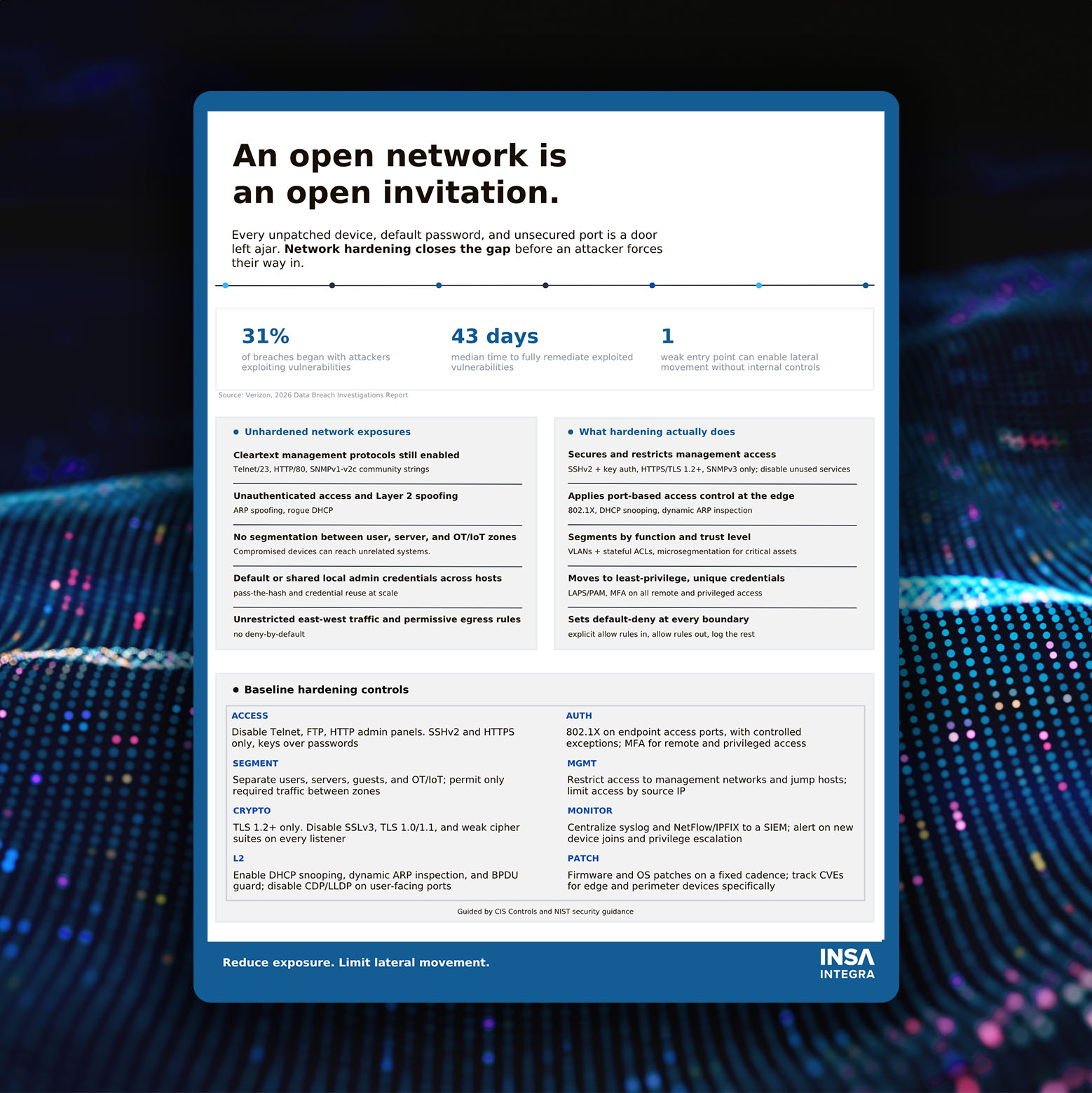
A one-page overview of common network exposures and the baseline hardening controls that reduce them.
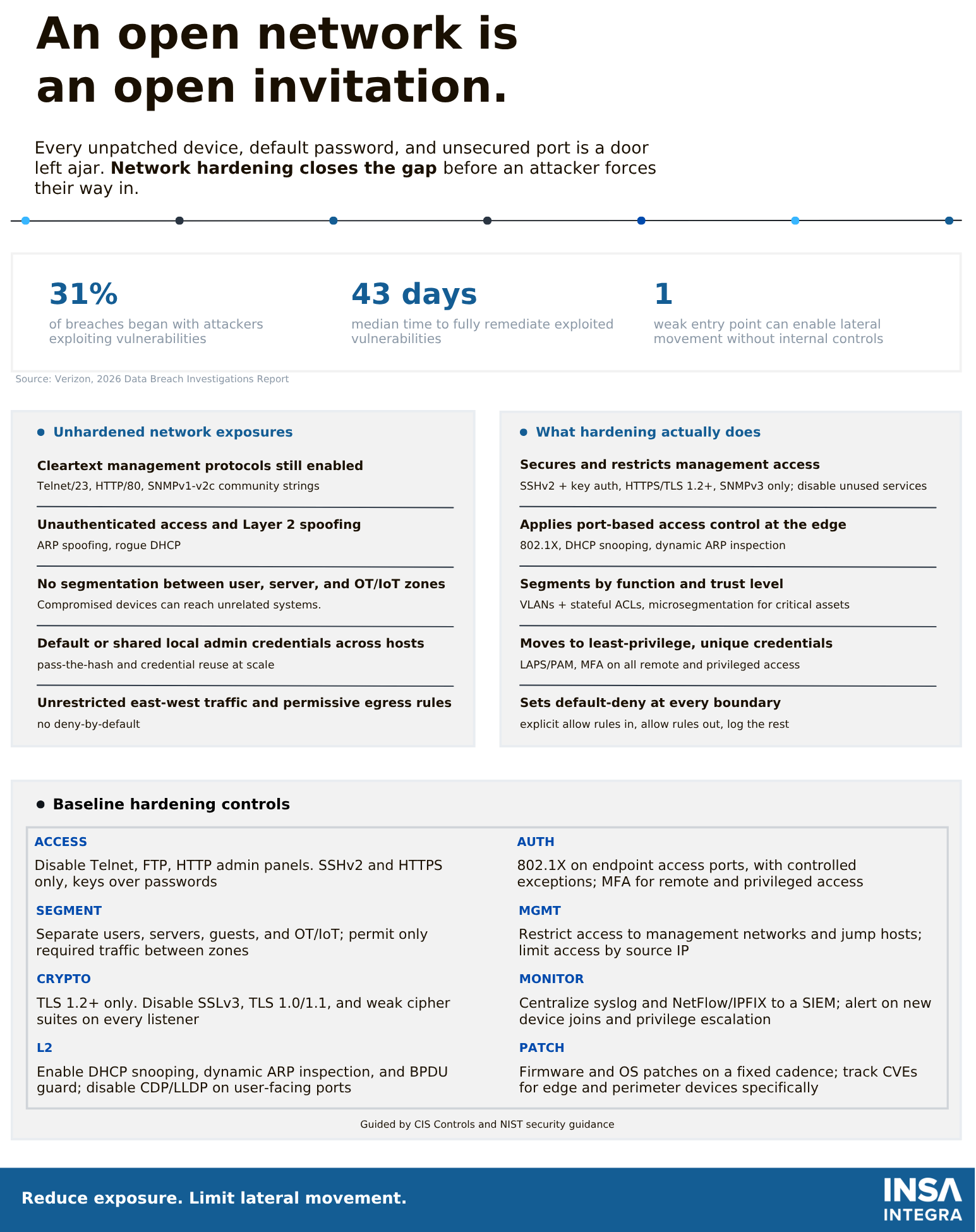
Every unpatched device, default password and unsecured management port is a door left ajar. Network hardening closes those gaps. It restricts management access, enforces authentication at the edge, segments the network by trust level, and sets default-deny rules at every boundary. This fact sheet summarizes the most common exposures we see in unhardened networks and the baseline controls that address them, guided by CIS Controls and NIST security guidance.
Network hardening is the process of reducing a network's attack surface. You remove unnecessary services, secure the services that remain, and limit how far an attacker can move if one device is compromised. It isn't a single product or a one-time project. It's a configuration baseline applied across switches, routers, firewalls, wireless infrastructure and the management systems that control them, and it is maintained over time.
According to the Verizon 2026 Data Breach Investigations Report, 31% of breaches began with attackers exploiting vulnerabilities, making it the most common initial access vector. The median time to fully remediate known-exploited vulnerabilities was 43 days.
Patching alone can't close that window. Hardening reduces what is exposed in the first place and limits what an attacker can reach while patches are pending. Without internal controls, a single weak entry point can be enough to move laterally across the network.
Cleartext management protocols still enabled. Telnet (port 23), HTTP admin panels (port 80) and SNMPv1/v2c community strings send credentials and configuration data unencrypted.
Unauthenticated access and Layer 2 spoofing. Without port-level controls, an attacker who plugs into the network can use ARP spoofing or a rogue DHCP server to intercept traffic.
No segmentation between user, server and OT/IoT zones. In a flat network, a compromised laptop or IoT device can reach systems it has no business reaching.
Default or shared local admin credentials. When the same local admin password exists across many hosts, one stolen credential enables pass-the-hash attacks and credential reuse at scale.
Unrestricted east-west traffic and permissive egress rules. Without deny-by-default policies, internal traffic and outbound connections go unchecked.
Disable Telnet, FTP and HTTP admin panels. Use SSHv2 and HTTPS only, with key-based authentication rather than passwords. Use SNMPv3 instead of earlier versions. Restrict management to dedicated management networks and jump hosts, and limit access by source IP.
Apply 802.1X on endpoint access ports, with controlled exceptions for devices that can't support it. Require MFA for all remote and privileged access. Replace shared local admin accounts with unique credentials managed through LAPS or a privileged access management (PAM) solution.
Separate users, servers, guests and OT/IoT devices into distinct zones using VLANs and stateful ACLs. Permit only the traffic each zone needs. Apply microsegmentation to critical assets. Set default-deny at every boundary: explicitly allow what's required in, explicitly allow what's required out, and log the rest.
Allow TLS 1.2 or higher only. Disable SSLv3, TLS 1.0 and TLS 1.1, and remove weak cipher suites from every listener, including device management interfaces.
Enable DHCP snooping, dynamic ARP inspection and BPDU guard. Disable CDP and LLDP on user-facing ports so attackers can't use them to map the network.
Centralize syslog and NetFlow/IPFIX in a SIEM. Alert on new device joins and privilege escalation so changes to the network are visible when they happen.
Patch firmware and operating systems on a fixed cadence. Track CVEs for edge and perimeter devices specifically, since these are directly exposed and frequently targeted.
INSA Integra's engineers can help assess your current configuration, prioritize hardening work, and plan and implement controls across your switching, wireless and firewall infrastructure. Contact us to discuss your network and cybersecurity requirements.
Contact Us Here
Call: (613) 520-8262
Email: info@insaintegra.com
