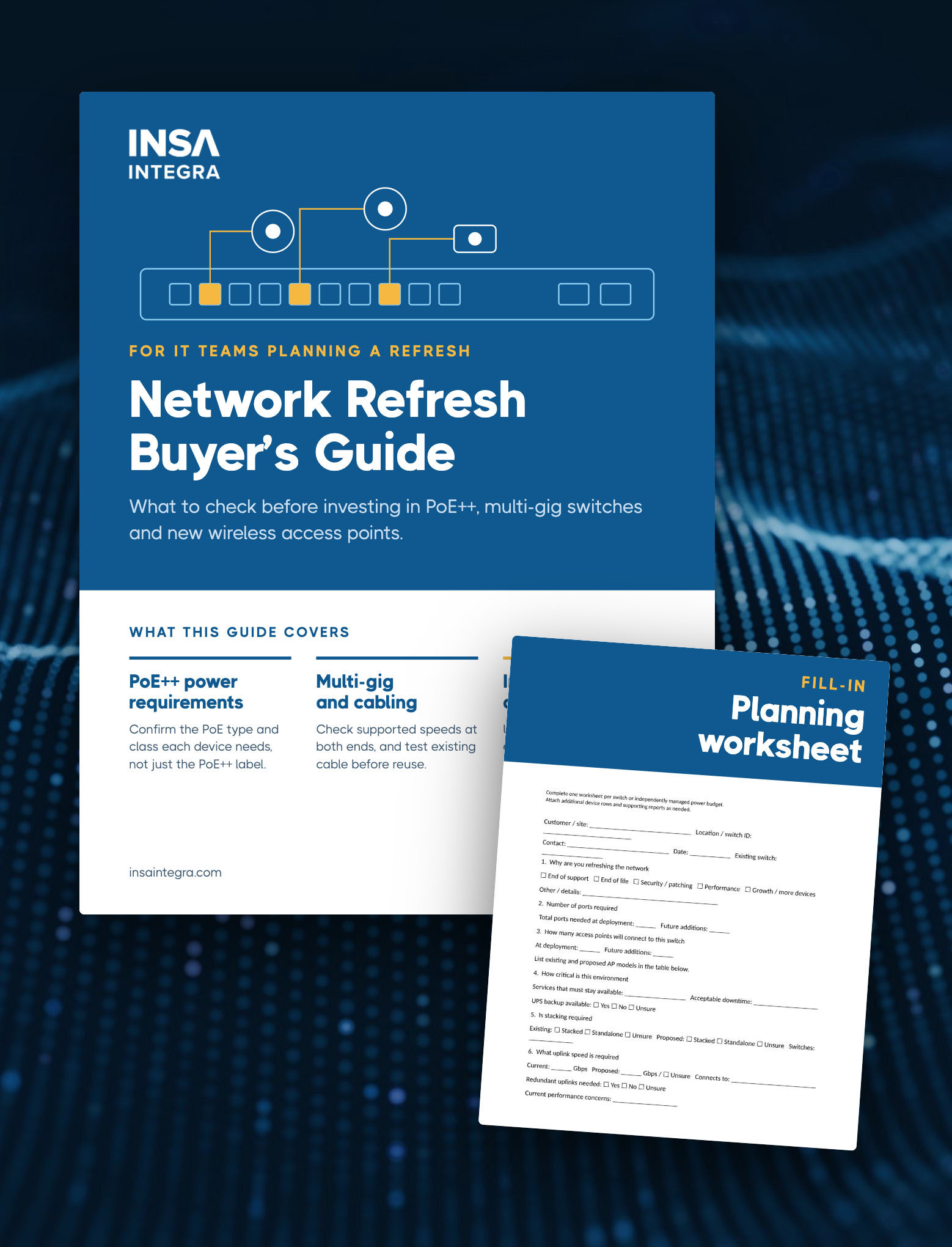
A successful network refresh requires switches that deliver both the power and bandwidth your devices need. An Access Point (AP) may connect successfully yet operate with limited features because of insufficient power, or restricted throughput because of its Ethernet connection. Some devices will benefit from PoE++ and multi-gig speeds, while PoE+ and 1 GbE may remain sufficient elsewhere.
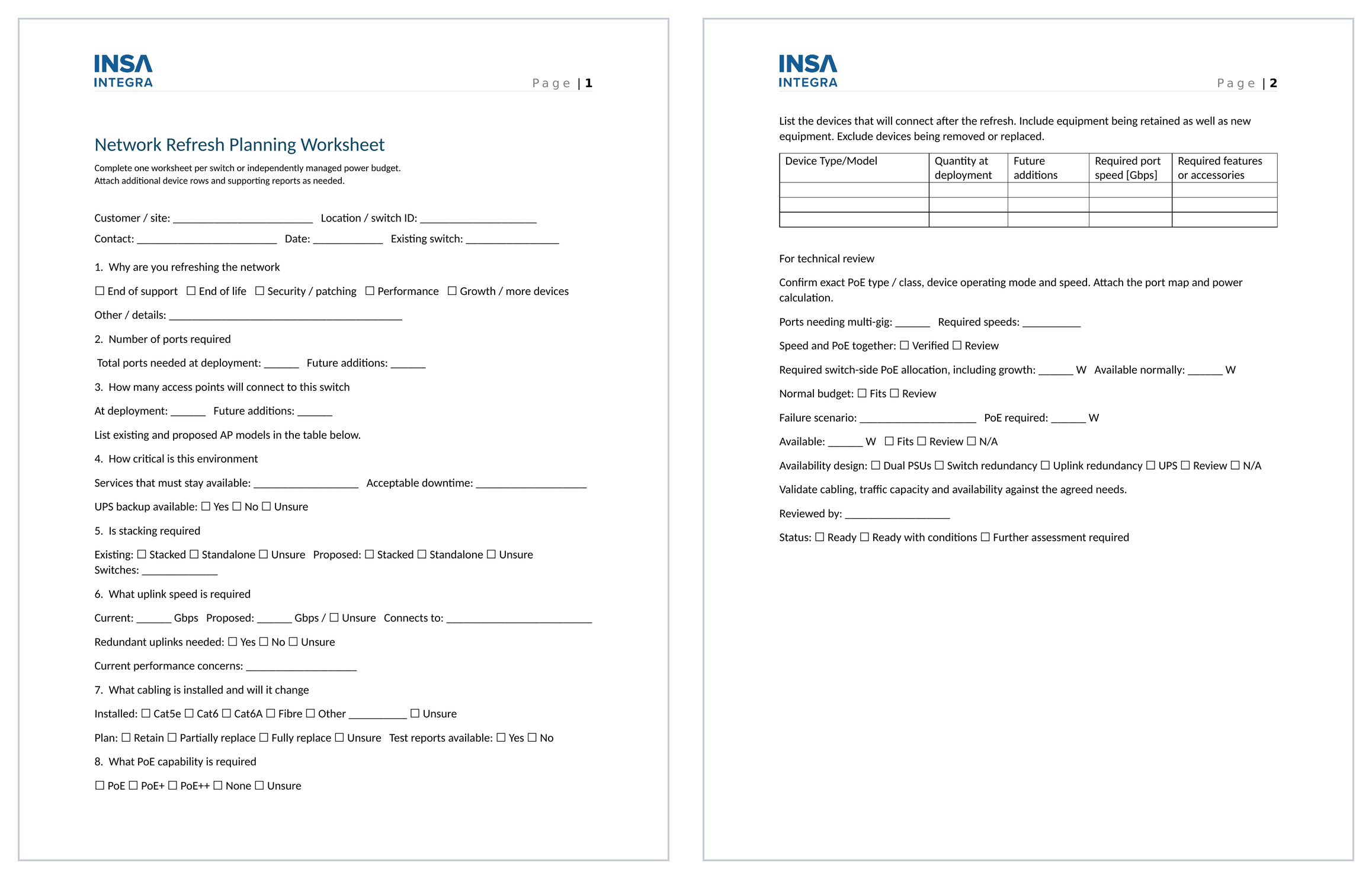
This guide provides a planning worksheet to help you define requirements and review a quote.
Assessing both requirements before purchasing helps avoid pitfalls and unexpected upgrade costs.
Power over Ethernet signifies electrical power and data are transmitted over the same cable. The Power Sourcing Equipment (PSE) supplies power and may be a PoE switch or injector and the endpoint is the Powered Device (PD). Cable losses mean the power available at the device is lower than the switch output.
The table shows the highest power class within each type. For comparison, 802.3bt Class 5 provides 45 Watt (W) available at the switch with up to 40 W delivered at the device. [1][2]
Confirm the required type, class, and operating mode rather than relying on the PoE++ label alone.
Power requirements vary by access point model and features usage. The HPE Aruba Networking 730 Series supports unrestricted operation on 802.3bt (Type 3) Class 5 while with 802.3at (Type 2) Class 4, USB is disabled when Intelligent Power Monitoring is disabled. [2][3] Restrictions vary by model. Standards-based PoE negotiates power with compatible endpoints. [2]
Confirm required features, accessories, and peak requirements for cameras and other endpoint devices.
2.0 - Understanding Multi-Gig Ethernet
Multigigabit Ethernet supports link rates such as 2.5 and 5 Gb/s between traditional 1 and 10 GbE options. GbE describes the nominal Ethernet link rate in gigabits per second. A 10 GbE label does not confirm support for intermediate speeds.
Check the exact speeds supported at both the switch port and endpoint. [4]
An AP serves multiple clients. If their combined traffic exceeds the capacity of the AP's wired connection, that connection can become a bottleneck. In addition, a device with a 1 GbE interface is limited to that link speed even connected to a faster port. [4][5]
Prioritize multi-gig where compatible devices and expected traffic justify the additional capacity.
2.1 - Cabling Requirements
Cat5e supports 2.5GBASE-T up to 100 m. Support for 5GBASE-T requires assessment and testing, particularly on longer or tightly bundled runs. Do not specify Cat5e for a new 10GBASE-T installation. [4][6]
Cat6 supports 2.5 and 5GBASE-T up to 100 m. For 10GBASE-T, reach is commonly planned up to 55 m, subject to alien crosstalk and installation conditions. Suitability must be established by testing. [4][6]
Cat6A supports 10GBASE-T up to 100 m and is the preferred specification for new runs intended to support that speed. [7]
Before reusing cabling, test for the intended Ethernet application. Include length, insertion loss, return loss, and crosstalk, with alien crosstalk (interference from adjacent cables) assessment where required. Retain the test reports and verify negotiated link speeds after installation. [4][6][7]
Assess the complete channel, including patch cords, connectors, and terminations.
3.0 - Supporting Infrastructure Requirements
Beyond port speed and per-device power, consider the following requirements:
Confirm the proposed network configuration meets requirements.
4.0 - Network Refresh Planning Example
The following illustrates switch power allocations, not measured device consumption, for a hypothetical office with six APs, four Pan-Tilt-Zoom (PTZ) cameras, and ten phones connected to one 24-port switch.
Using switch allocation consistently, avoids mixing device consumption with switch power capacity. [1][2]
Confirm the proposed switch reserves and manages power requirements.
An example 25% power allowance budget pushes the planned allocation of 580 W to 725 W.
(580 W × 1.25 = 725 W)
The switch needs six ports supporting 2.5 GbE and Class 5 PoE, four additional Class 6 ports, and ten ports suitable for the phones. Four ports remain spare. The 25% allowance applies to planned power needs only. Planning needs to also take into account the speed and PoE class requirements of future devices connected to the spare ports.
Assuming a proposed switch with dual power supplies provides 740 W of PoE capacity typically but only 370 W when one power supply fails and the project requires all attached devices remain powered during failure. In this example the candidate switch meets the normal power target but fails the resilience requirement.
In the situation where reduced service is acceptable, decide which devices must stay powered, verify their combined allocation fits the surviving budget, and test the configured priorities. Document the reduced-service requirement before selecting equipment. Dual Power Supply Units (PSU) alone do not establish high availability.
Select a switch with enough power capacity to meet power allocation needs.
[1] HPE Aruba Networking. Definition of Terms. Aruba 2930M/F Help Center, AOS-Switch 16.10. https://arubanetworking.hpe.com/techdocs/AOS-S/16.10/MCG/WC/content/wc/def-ter-802.3bt.htm
[2] Yseboodt, L., and Abramson, D. Overview of 802.3bt Power over Ethernet Standard. Ethernet Alliance, December 2019. https://ethernetalliance.org/wp-content/uploads/2019/12/WP_EA_Overview8023bt_V2p1_FINAL.pdf
[3] HPE Aruba Networking. 730 Series Campus Access Points Installation Guide. Edition 2, January 2026. See “Power,” printed page 10. https://arubanetworking.hpe.com/techdocs/hardware/aps/ap730/ig/AP-730_Install_Guide_EN.pdf
[4] Cisco. Catalyst 9200 Series Switches Hardware Installation Guide: Product Overview. See “Multigigabit Ethernet Ports.” https://www.cisco.com/c/en/us/td/docs/switches/lan/catalyst9200/hardware/install/b-c9200-hig/product_overview.pdf
[5] Cisco. Transform the Workspace with Cisco Multigigabit Ethernet. White paper, 2020. https://www.cisco.com/c/en/us/solutions/collateral/enterprise-networks/catalyst-multigigabit-switching/nb-06-transform-multigigabit-wp-cte-en.pdf
[6] Leviton. Structured Cabling Considerations for 2.5GBASE-T & 5GBASE-T. https://leviton.com/content/dam/leviton/network-solutions/product_documents/tech_briefs/Leviton-Tech-Brief-Structured-Cabling-Considerations-2.5GBASET-5GBASET.pdf
[7] Siemon. Z-MAX6A Planning and Installation Guide. Edition 2.3. https://files.siemon.com/ally/design_tools/guides/docs/Z-MAX-6A-Planning-Installation-Guide.pdf
[8] Cisco. Catalyst 9300 Series Switches Data Sheet. https://www.cisco.com/c/en/us/products/collateral/switches/catalyst-9300-series-switches/nb-06-cat9300-ser-data-sheet-cte-en.html
INSA Integra’s engineers can help you plan and implement your network refresh. Our team can assess PoE power budgets, multi-gig port requirements, cabling, uplink capacity, and resilience needs, then support equipment selection, configuration, deployment, and validation.
Contact us to discuss your network refresh or other networking and cybersecurity requirements.